

Create your bio
You do not need to be a maintainer of Open Bio Page to publish your own.
1. Fork on GitHub
Create the instance with GitHub's Fork button. A manual copy of the repo is not the same thing.
- Open the Open Bio Page repository on GitHub
- Click Fork (top right)
- Pick your account or org, and a repo name
- Clone your fork and work there
The fork stays linked ("Forked from"), so you can pull template updates later.
Do not create an empty repo and push a copy, drop a ZIP into a new repo, or clone and point origin at a new empty remote. None of those are GitHub forks.
2. Brand
Edit content/site.json:
| Field | Example |
|---|---|
brand | Acme |
domain / origin | links.acme.com / https://links.acme.com |
githubRepo | acme/links |
copyrightOwner | Acme Inc. |
home.* / og.* / seo.* | Titles and descriptions |
Write your domain in public/CNAME.
3. People
- Delete
content/bios/demo.json - Add
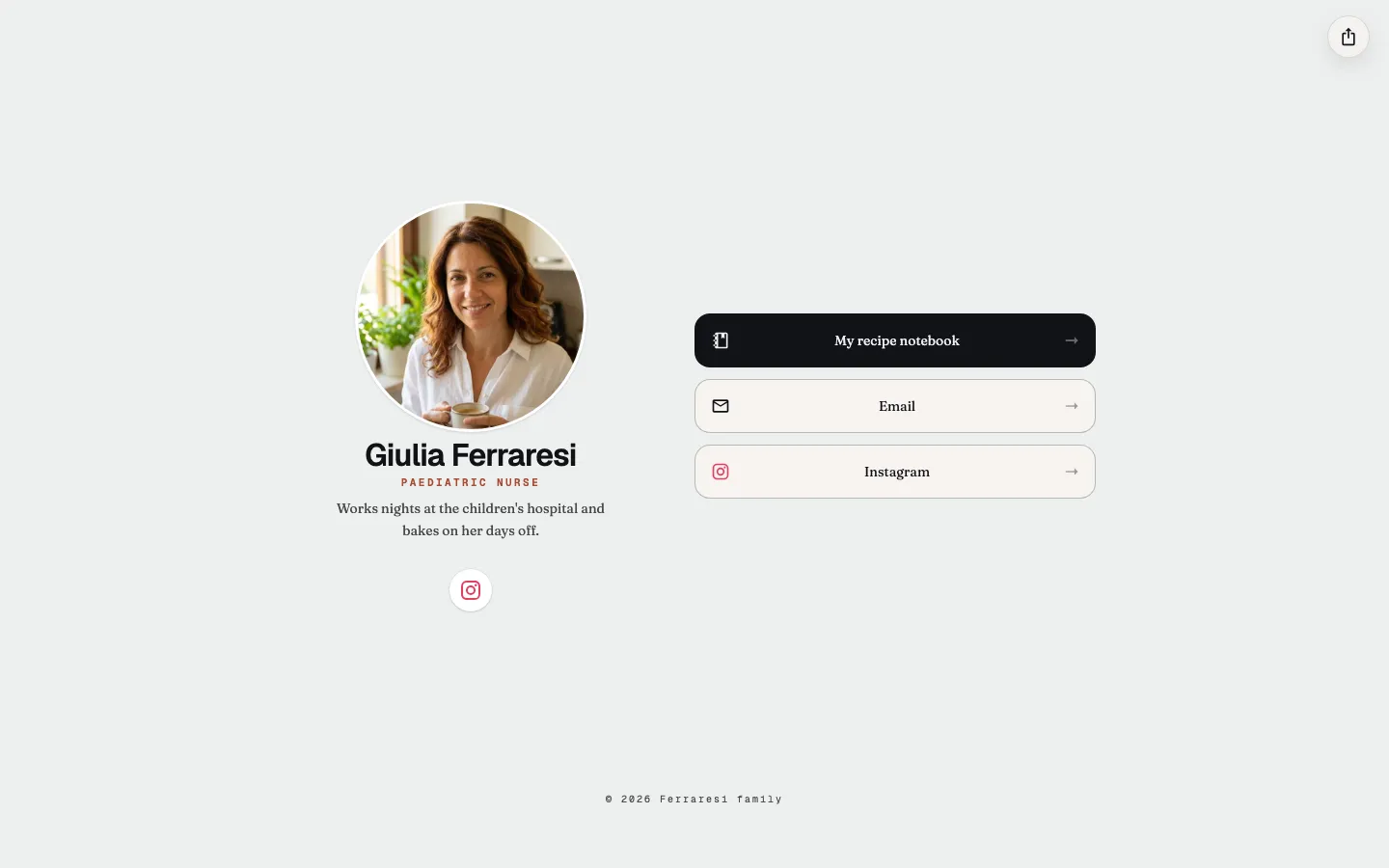
content/bios/<slug>.json(start from the demo file) - Put avatars in
public/media/<slug>-{original,2000,600,250}.webp, or upload them in/admin
One image with a normal extension is enough. An empty avatar draws a letter.

4. Admin users
Generate each entry here, or run the same hash in a terminal:
bun worker/hash-password.ts <user> <slug> <password>Put the entries in the ADMIN_USERS secret as a JSON array; the Copy ADMIN_USERS button gives you that array. Each user is locked to one slug.

5. Secrets
Copy secrets.local.example to secrets.local, fill it in, and upload those values to your fork (Actions secrets and variables, plus the Worker or other host). See Secrets.
6. Publish
Pick a provider for the admin API, and deploy the static dist/ (GitHub Pages by default). The admin host has to share the site's domain, for example api.yourdomain.com, or the login cookie will not stick.
The page Your instance is the same path. A blank site.json and one profile are in template/.